DAVKeep
Contacts and calendars from your own server — through a gate only your key opens.
DAVKeep is an Android sync provider for CalDAV and CardDAV. It fills the phone's own
Contacts and Calendar apps, so everything that reads them reads your server. There is no separate
address book to learn and nothing to open.
It exists for one case the usual clients do not cover: a DAV server behind an
identity-aware proxy. Each account can carry its own HTTP headers — a Cloudflare Access
service token, say — and its own client certificate, from the Android KeyChain or imported
from a .p12.
What it does
- Two-way sync: an edit made in the stock Contacts or Calendar app reaches the server.
- Per-account custom headers and mTLS, including servers that demand both.
- Write-back that patches the server's own vCard or
.ics, so properties Android
cannot model — X- fields, VTIMEZONE, alarms it does not understand —
survive an edit that never touched them.
- A Collection is read-only until you say otherwise.
What it looks like
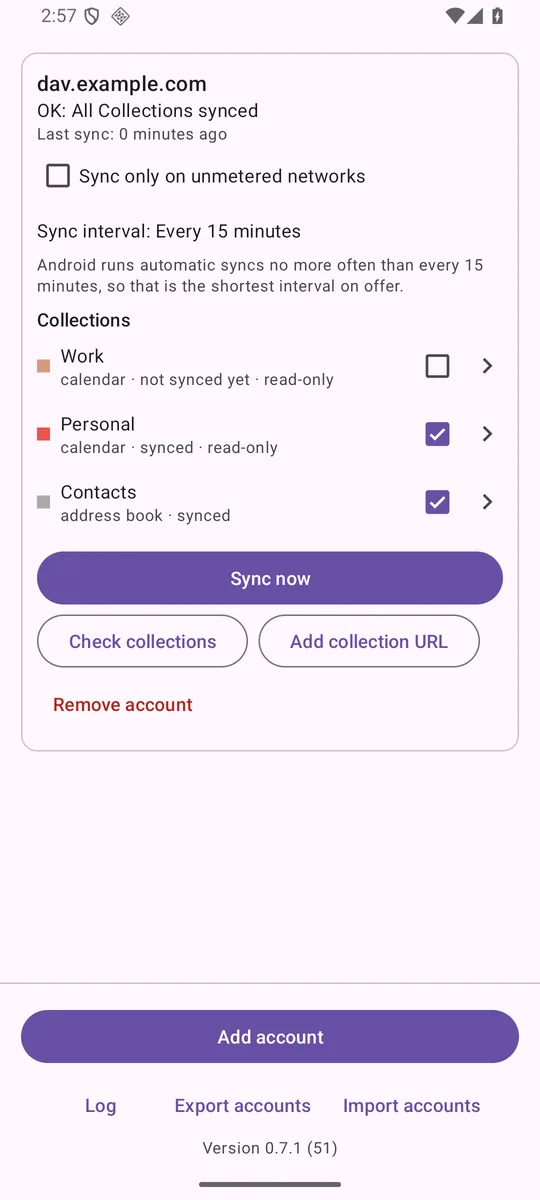 One card per account, one line per Collection.
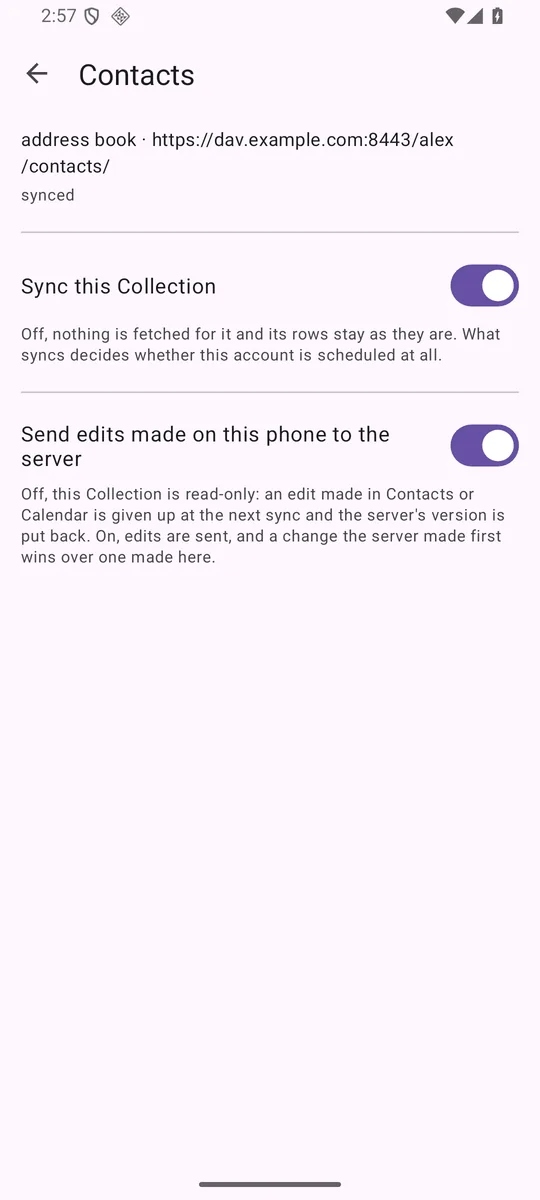 Sending edits is per Collection, and off until you turn it on.
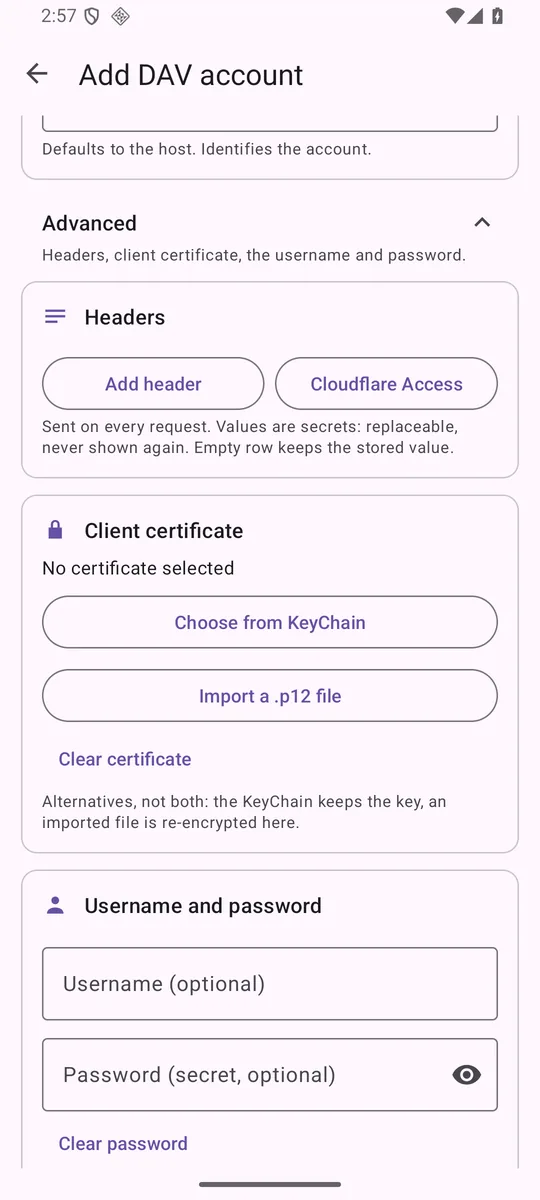 Headers and a client certificate, per account.
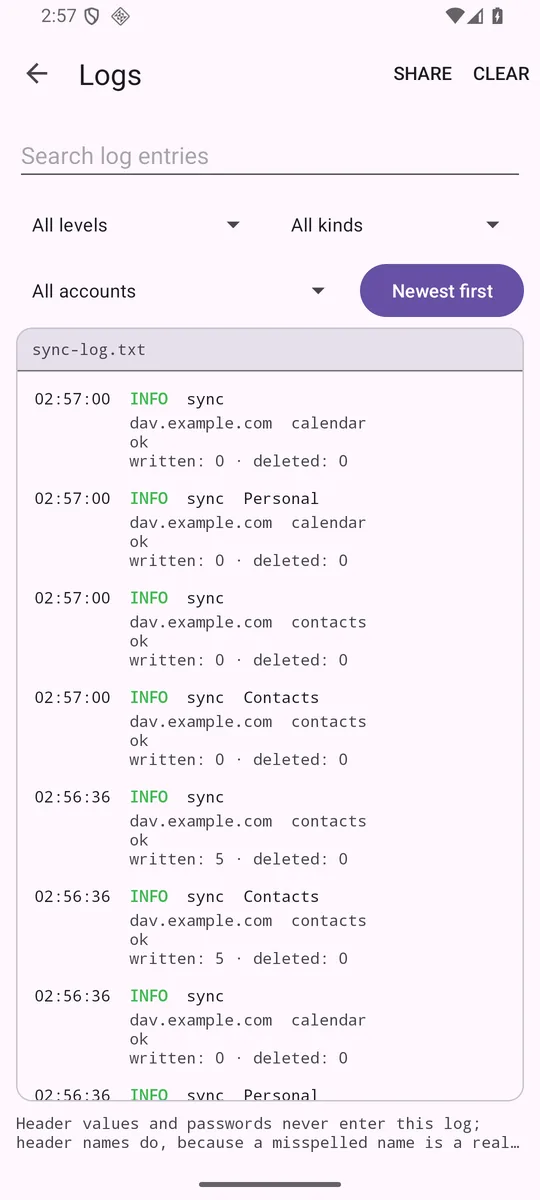 Every run, in words, kept on the phone.
It tells you when it fails
Silent failure is the thing this app is built against. Every run says what it did, in words, and
a sync that could not finish never claims it did:
ok written=1 deleted=0 uploaded=1 sent 1 edit to the server
WARN 1 edit was replaced by the server's version: the server's copy had changed
ERROR the server cut the listing short: nothing was deleted, and nothing was recorded
Get it
Android 7.0 and later. There is no Play listing. Obtainium is the way to get updates
without one: the button hands it this repository, and it watches the releases from then on.
Obtainium is itself free software.
Releases are signed with the project's own key. A build installed from here cannot be replaced
by one built by anyone else — including, if it is ever listed there, F-Droid's own build, which
F-Droid signs itself. Switching between them means uninstalling, so export your accounts first.